
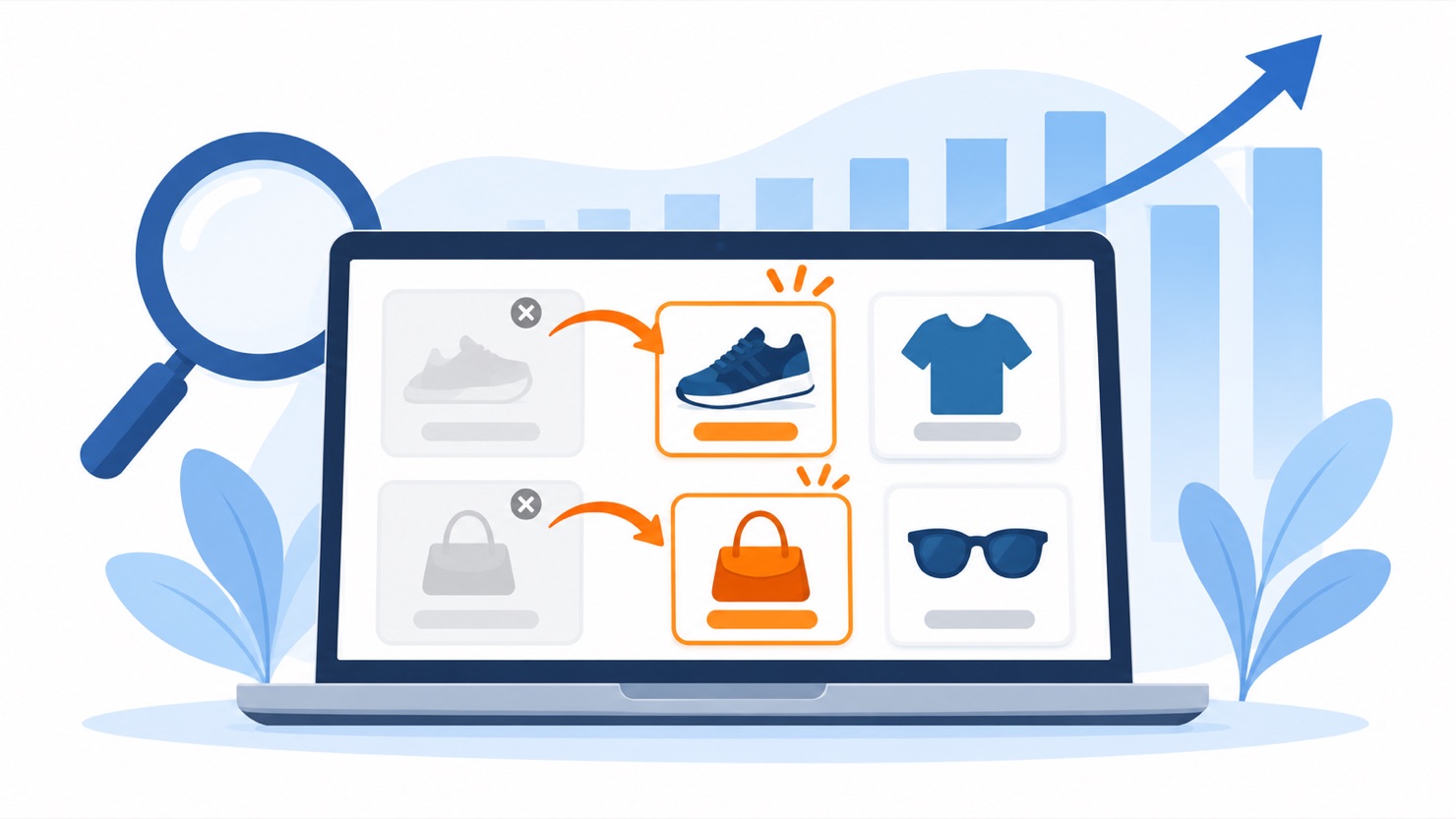
Your supplier changes the catalogue. You find out afterwards. SEO for dropshipping stores is largely this: deciding what to do with the product pages, collections and URLs they leave behind — and which ones to let die.
This is a guest post by USAdrop. It contains an affiliate link, and we may earn a commission if you sign up with them.
Most advice on SEO for dropshipping stores assumes you own your products. You decide what to stock, what to retire and when to restock. Dropshipping doesn’t work that way. Your supplier decides when a product goes out of stock, gets replaced by a newer version, or disappears for good, and you often find out after it has happened.
Every one of those changes leaves something behind on your store: a product page with nothing to sell, a collection with nothing in it, or a URL that suddenly goes nowhere. Left alone, they pile up. This guide covers the four situations dropshippers deal with most, and how to handle each one so your rankings don’t go with the products.
If duplicate supplier descriptions are your bigger problem, that’s a different job, and we’ve covered it separately in Shopify SEO for dropshipping.
Plug In SEO runs a broken link report across your store. The URLs your supplier quietly killed show up in a list, not in your analytics three months later.
1. Discontinued products: redirect, keep or remove
When a supplier drops a product permanently, you have three options.
Redirect it if the page has earned traffic or backlinks and there is a close replacement. That might be the newer model, the same item from another supplier, or the collection it belonged to. A permanent (301) redirect sends visitors and search engines to the new page. Google describes a 301 as a “strong signal” that the redirect target should be used, and a temporary 302 as only a “weak signal”. For a product that isn’t coming back, use a 301.
Google Search Central — How HTTP status codes affect Google Search
Remove it (let it return a 404) if the page never got traffic and there is nothing relevant to send people to. That’s fine. Google says that when a previously used URL returns a 4xx status, its systems “will stop using the URL over time.” It also says “all 4xx errors, except 429, are treated the same.” So there is no SEO benefit in choosing a 410 over a 404. Redirecting every dead product to your homepage is worse than a clean 404, because it sends visitors somewhere they didn’t ask to go.
Keep it only if the page still serves people who already own the product — sizing, setup or care information — and clearly says the item is discontinued.
Setting the redirect up in Shopify
How you set up the redirect matters, because “redirects only work for URLs that return 404 errors”. So the old product URL has to stop working first: delete the product, set it to Draft, or remove it from all sales channels. Then go to Content > Menus, click View URL Redirects, then Create URL redirect.
Two details are worth knowing.
Shopify’s documentation notes that when a hidden collection is made visible again, its redirect is automatically deleted. Products behave the same way, once you’ve set them to Draft or removed them from all sales channels so they return a 404. If a product comes back and you republish it, check that your redirect still behaves the way you expect.
And if a supplier discontinues a whole line at once, you don’t have to do this one by one. Shopify lets you import redirects in bulk from a CSV file, and stores can hold up to 100,000 redirects — 20 million on Shopify Plus.
The harder part is knowing which URLs have broken in the first place. This is where a tool earns its keep. Plug In SEO‘s broken link report flags pages that now lead nowhere. Redirect them before visitors and search engines keep hitting dead ends.
2. Out of stock vs. gone for good in a dropshipping store
These two look the same to a shopper but need opposite treatment.
Temporarily out of stock: keep the page live. Don’t delete it, don’t redirect it, and don’t hide it. If you remove the page every time a supplier runs dry, you lose whatever ranking it had and start from zero when stock returns.
Be aware that a page showing nothing but an unavailable product can start to look like an error page to Google. Google describes a soft 404 as a page that loads successfully but whose content “suggests an error,” such as “an empty page or an error message”.
Google doesn’t publish a threshold for when a thin product page tips into that territory. So treat the next part as a rule of thumb, not a documented rule. A page that still carries specs, photos, sizing and FAQs gives shoppers and crawlers something to work with. A page stripped back to a greyed-out buy button gives them nothing.

Label availability correctly
Google’s product data specification uses these availability values, and they mean different things:
-
in_stock— you are accepting orders and can fulfil them. -
out_of_stock— you are not accepting orders, or the product isn’t available to buy. -
backorder— the product isn’t available right now, but you’re accepting orders and will ship when it’s back. An availability date is required. -
preorder— you’re accepting orders for a product that hasn’t been released yet. An availability date is required.
For dropshippers, backorder is the honest choice only if your supplier has actually given you a restock date. If they haven’t, mark it out_of_stock.
Gone for good: treat it as discontinued, and go back to section 1.
3. Dropshipping collections that empty out
This one is easy to miss. When the products in a collection all go out of stock, get discontinued or are removed, the collection page itself usually stays online. It still loads normally, but shows a “no products found” message.
That is exactly what Google describes as a soft 404: a page that loads successfully but whose content “suggests an error,” such as “an empty page or an error message”. An empty collection is unlikely to keep ranking, and it’s a poor experience for anyone who lands on it.
Your options:
- Refill it with relevant products from your current catalogue, if the collection’s theme still makes sense.
- Merge it into a broader collection and 301-redirect the old URL there.
- Remove it if it’s a seasonal or one-off collection that has served its purpose.
Search Console will tell you if Google has already noticed. Its Page indexing report lists pages that aren’t indexed with reasons including “Soft 404” and “Not found (404)”. Collection URLs showing up under “Soft 404” are the first ones to fix.
4. Supplier substitutions
Sometimes a supplier doesn’t drop a product. It swaps it for a newer version, a different material or a slightly different design, often under the same listing.
If the replacement is genuinely the same product for the shopper — same use, same type, similar specs — keep the existing URL. That page has history, and keeping it keeps that history. Then update everything that has changed: the title if needed, the description, the specifications and the photos. A page that describes one product while customers receive another leads to returns and complaints, whatever it does for rankings.
If the replacement is a different product, create a new page and 301-redirect the old URL to it, as in section 1. Don’t quietly rewrite an old page into something unrelated.
Whichever you choose, check your reviews. Reviews written about the old version may no longer describe what you’re selling.
A monthly 15-minute SEO checklist for dropshipping stores
Supplier changes don’t arrive on a schedule, so a short monthly review catches most of them:
- Check your supplier’s updates for discontinued, replaced or delayed products.
- Open Search Console’s Page indexing report and look at “Not found (404)” and “Soft 404”.
- Run a broken link check and redirect any URLs with a sensible replacement.
- Review out-of-stock products. Anything without a confirmed restock date in sight: decide whether it’s really discontinued.
- Look for empty or near-empty collections, then refill, merge or remove them.
- Spot-check substituted products to make sure titles, descriptions, specs and photos match what’s actually shipping.
Dropshipping stores need suppliers who warn you first
You’ll never fully control a dropshipping catalogue, but you can make it more predictable. The less often products vanish without warning, the less cleanup you have to do. When you’re choosing a supplier, ask how they communicate stock changes and discontinuations, not just what their prices are.
USAdrop says it has fulfilled over 80 million orders through 18 warehouses. If you’re reviewing suppliers, you can get started with USAdrop here.
Frequently asked questions
Should I delete a dropshipping product page when it goes out of stock?
No, not if the stock is coming back. Keep the page live and don’t redirect or hide it. Deleting it throws away whatever ranking the page had, and you start from zero when your supplier restocks. Only treat a product as gone for good — redirect it or let it 404 — once you know it isn’t returning.
301 or 404 for a discontinued product?
Use a 301 if the page earned traffic or backlinks and you have a close replacement. That means the newer model, the same item from another supplier, or its collection. Let it 404 if the page got no traffic and there’s nothing relevant to redirect to. What you shouldn’t do is redirect every dead product to your homepage. That’s worse for visitors than a clean 404, because it drops them somewhere they didn’t ask to go.
Is a 410 better than a 404 for SEO?
No. Google states that “all 4xx errors, except 429, are treated the same”. It adds that when a previously used URL starts returning a 4xx status, its systems “will stop using the URL over time”. So there’s no ranking advantage in choosing 410 over 404. Pick whichever is easier for your setup.
Why won’t Shopify let me redirect a product URL?
Because the old URL is probably still loading a valid page. Shopify’s documentation is explicit that “redirects only work for URLs that return 404 errors”. So the product has to stop resolving first: delete it, set it to Draft, or remove it from all sales channels. Then create the redirect under Content > Menus > View URL Redirects > Create URL redirect.
What happens to an empty collection page?
It usually stays online and loads normally, showing a “no products found” message. That is what Google describes as a soft 404: a page that loads successfully but whose content “suggests an error”. It’s unlikely to keep ranking. Refill it from your current catalogue, merge it into a broader collection and 301 the old URL, or remove it if it was seasonal. Search Console’s Page indexing report lists affected URLs under “Soft 404”.
When should I use backorder instead of out_of_stock?
Only when your supplier has given you an actual restock date. Google’s product data specification requires an availability date alongside backorder, so using it as a hopeful guess means publishing a date you can’t honour. If you don’t have a confirmed date, mark the product out_of_stock.
Find the dead URLs before your customers do
When a supplier retires a product, the broken link is the part you don’t see. Plug In SEO’s broken link report lists the pages that now lead nowhere. Redirect them while they still have something left to pass on.
Sources
- Google Search Central, “How HTTP status codes, and network and DNS errors affect Google Search”: developers.google.com
- Shopify Help Center, “URL redirects”: help.shopify.com
- Google Merchant Center Help, “Availability [availability]”: support.google.com
- Google Search Console Help, “Page indexing report”: support.google.com
- Plug In Useful, “Shopify SEO for dropshipping”: pluginuseful.com