
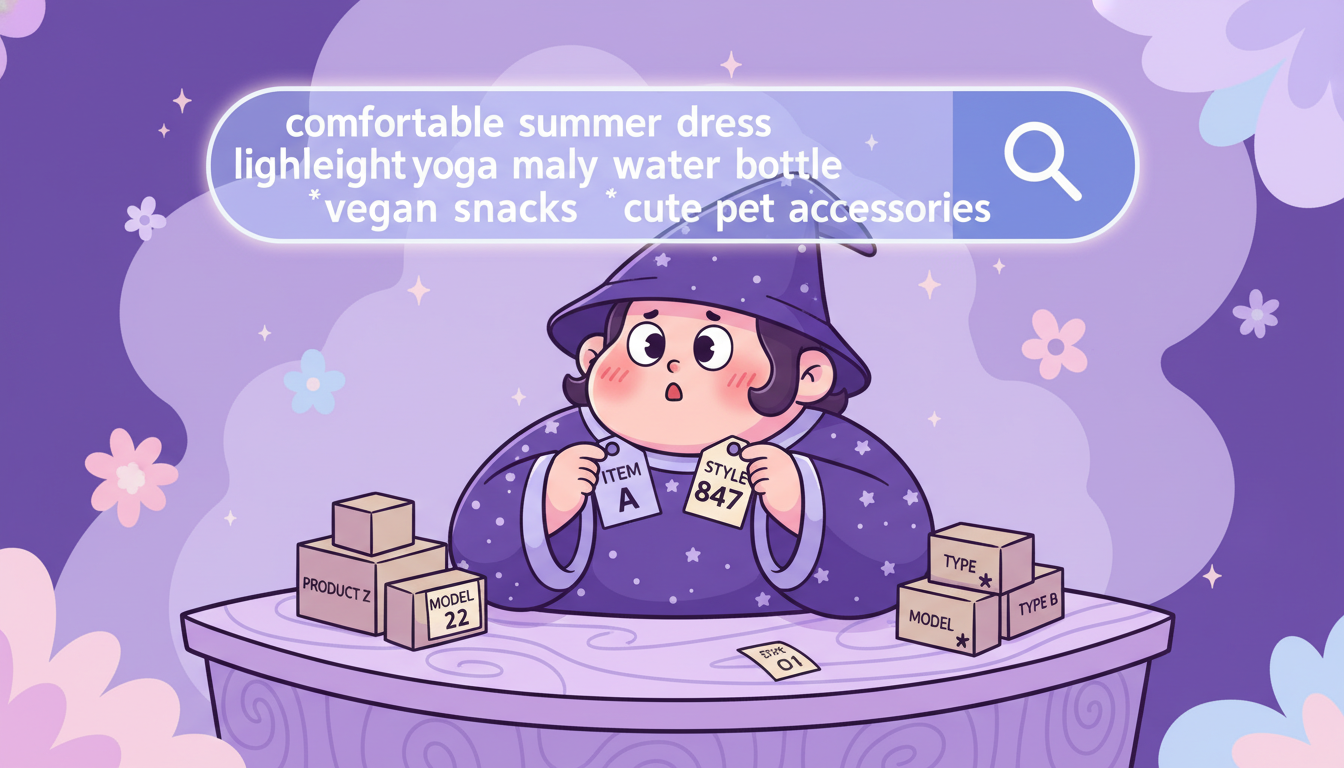
Shopify keywords: how to find the ones customers actually search for
Most Shopify merchants have never done keyword research. They opened their store, named their products, and hit publish. The product titles reflect how they think about their inventory — not how a customer types into Google at 11pm looking for what they sell.
That gap is where most Shopify SEO problems start.
If you want to fix it without doing the research yourself, Plug In SEO’s Keyword Studio scans your products and surfaces the right terms automatically — then the AI applies them to your titles and descriptions in bulk. If you want to understand the process first, this guide walks you through it.
Plug In SEO’s Keyword Studio finds the right search terms for your products — then the AI applies them across your store in bulk.
Try Plug In SEO →The mistake: you’re naming products for yourself, not for search
Here’s a common example. A merchant sells a summer dress. They name it “Floral Summer Dress — Style No. 847.” Clear for their warehouse. Useless for Google.
A customer searching for that dress doesn’t type “floral summer dress style 847.” They type something like “comfortable lightweight dress for summer wedding” or “flowy maxi dress that doesn’t wrinkle.” Those are the words they use when they want something. Those are the keywords.
The same problem shows up in product descriptions. Most merchants write them for internal reference — a list of materials and dimensions. They don’t say who the product is for, how it fits into someone’s life, or how it’ll feel to use. But those are exactly the phrases customers search.
The fix is a mindset shift: stop describing what the product is and start describing what the customer wants.
What good Shopify keywords actually look like
Before you start researching, it helps to know what you’re looking for.
Head terms vs. long-tail keywords
A head term is a short, broad keyword: “dress,” “coffee mug,” “yoga mat.” These get a lot of searches, but ranking for them is nearly impossible unless you’re a major retailer. Long-tail keywords are longer, more specific phrases: “non-slip yoga mat for hardwood floors,” “personalised coffee mug for dad.” According to Ahrefs, 92% of all keywords get fewer than 10 searches a month — most of the real traffic lives in long-tail territory, where competition is manageable.
Search intent
Keywords aren’t just words — they reflect what someone wants to do:
- Informational: “how to style a maxi dress for a wedding” (they’re researching)
- Commercial: “best summer dresses for petite women” (they’re comparing)
- Transactional: “buy floral maxi dress UK” (they’re ready to buy)
Product pages should target commercial and transactional intent. Blog posts can go after informational keywords and funnel readers toward your products.
Benefit and feeling keywords
Customers often search for the experience, not the spec. “Lightweight,” “easy to wash,” “stays cool in summer,” “doesn’t need ironing” — these are search terms too. Products that rank for them tend to convert better because the keyword already matches what the buyer cares about.
How to find keywords for your Shopify store
There are three practical routes depending on how much time and budget you have.
Route 1: Keyword Studio inside Plug In SEO (fastest)
Plug In SEO scans your products and suggests keywords based on what they actually contain — no manual research needed. The per-page keyword research uses AI to surface terms matched to each specific product.
The GSC integration is the best place to start. Connect Google Search Console and you’ll immediately see which keywords your store already ranks for — real data from real searches, already attached to your products. Starting from what’s already working beats starting from scratch every time.
Once you have the keywords, the AI inside Plug In SEO applies them to product titles and descriptions in bulk. Research and implementation in the same tool.
Route 2: Google Keyword Planner (free)
Google Keyword Planner still works and it’s free. Enter a product name or category and it returns related search terms along with rough volume estimates. It’s less precise than a dedicated SEO tool but a solid starting point for merchants who want to understand the research before automating anything.
Go to ads.google.com → Tools → Keyword Planner → “Discover new keywords.” You don’t need to run ads to use it.
Route 3: Done-for-you keyword research
If you want Ahrefs-level research tailored to your full catalogue — competitor analysis, keyword gap analysis, prioritised by traffic potential and difficulty — the Quick Start Service includes it. An SEO strategist maps your catalogue to keyword clusters and hands you a plan ready to implement.
Where to put your keywords (all of them)
Finding the right keywords is step one. Step two is placing them consistently across every part of your store that Google reads.
Product title
The most important field. Google reads this first. Lead with the keyword, add a benefit or differentiator, keep it under 70 characters. “Lightweight Floral Maxi Dress — Machine Washable” beats “Floral Summer Dress Style 847” for both rankings and click-through rate.
Product description
Write for the customer, not the catalogue. Open with who the product is for and what problem it solves. Weave keywords in naturally — don’t stuff them. One paragraph that answers “why would I buy this?” earns more traffic than five bullet points listing the materials.
Meta title and meta description
These are what appear in Google search results. The meta title is a direct ranking factor — include your primary keyword near the start. The meta description doesn’t affect rankings directly, but it controls click-through rate: write it like ad copy, not a summary.
Alt text on images
Google can’t see your product photos. It reads the alt text. Every product image should have a short, descriptive alt text with the keyword: “lightweight floral maxi dress in dusty rose, machine washable.” Blank alt text means invisible images.
URL / handle
Shopify auto-generates handles from the product title. If your title is keyword-rich, the handle usually is too. If not, edit it. Keep it clean: /lightweight-floral-maxi-dress, not /products/style-847-fsd.
H1 and H2 headings
If your theme displays headings on product or collection pages, use keywords in them. Collection pages in particular benefit from H1 optimisation — they often rank for category-level keywords when the heading matches the search term.
Plug In SEO manages all of these from a single dashboard. You can audit which fields are missing, edit them individually, or use the AI to update them in bulk across your entire catalogue.
Frequently asked questions about Shopify keywords
What are Shopify keywords?
Shopify keywords are the search terms customers type into Google when looking for products like yours. Adding them to your product titles, descriptions, meta fields, and image alt text helps search engines understand what your store sells — and show it to the right people at the right time.
How do I find the right keywords for my Shopify store?
Start with what’s already working: connect Google Search Console to see which keywords your store already ranks for. Then use a keyword tool — Plug In SEO’s Keyword Studio or Google Keyword Planner — to find related terms with good search volume and manageable competition. Focus on long-tail keywords (specific 3–5 word phrases) rather than short, broad terms you can’t realistically rank for.
Does Shopify have a built-in keyword tool?
No. Shopify’s built-in SEO fields let you add keywords, but there’s no native research tool. You’ll need a third-party app like Plug In SEO or a free tool like Google Keyword Planner to find the right terms before you start optimising.
How many keywords should I target per product?
One primary keyword per product, used consistently across the title, meta title, alt text, and URL. You can include 2–3 secondary keywords in the description and meta description naturally — but don’t try to rank for multiple unrelated terms on the same page. Focus beats scatter.
Can I use the same keywords on multiple products?
Avoid using identical keywords on multiple product pages. It creates keyword cannibalization, where your own pages compete against each other and both rank lower as a result. Use the primary keyword on the most relevant page and use variations or long-tail versions on related products.
Where do I add keywords in Shopify?
In the Shopify admin: product title, product description, SEO title (meta title), meta description, URL handle, and image alt text. Plug In SEO lets you manage and optimise all of these from one place, including bulk updates with AI — so you’re not editing hundreds of products one at a time.
Find your keywords. Apply them everywhere.
Plug In SEO’s Keyword Studio finds the search terms your products should rank for — then the AI writes them into your titles, descriptions, and meta fields in bulk.
- Keyword research matched to your actual products
- GSC integration: see what you already rank for
- Bulk implementation — no manual editing at scale
- Meta titles, descriptions, alt text, all in one dashboard