
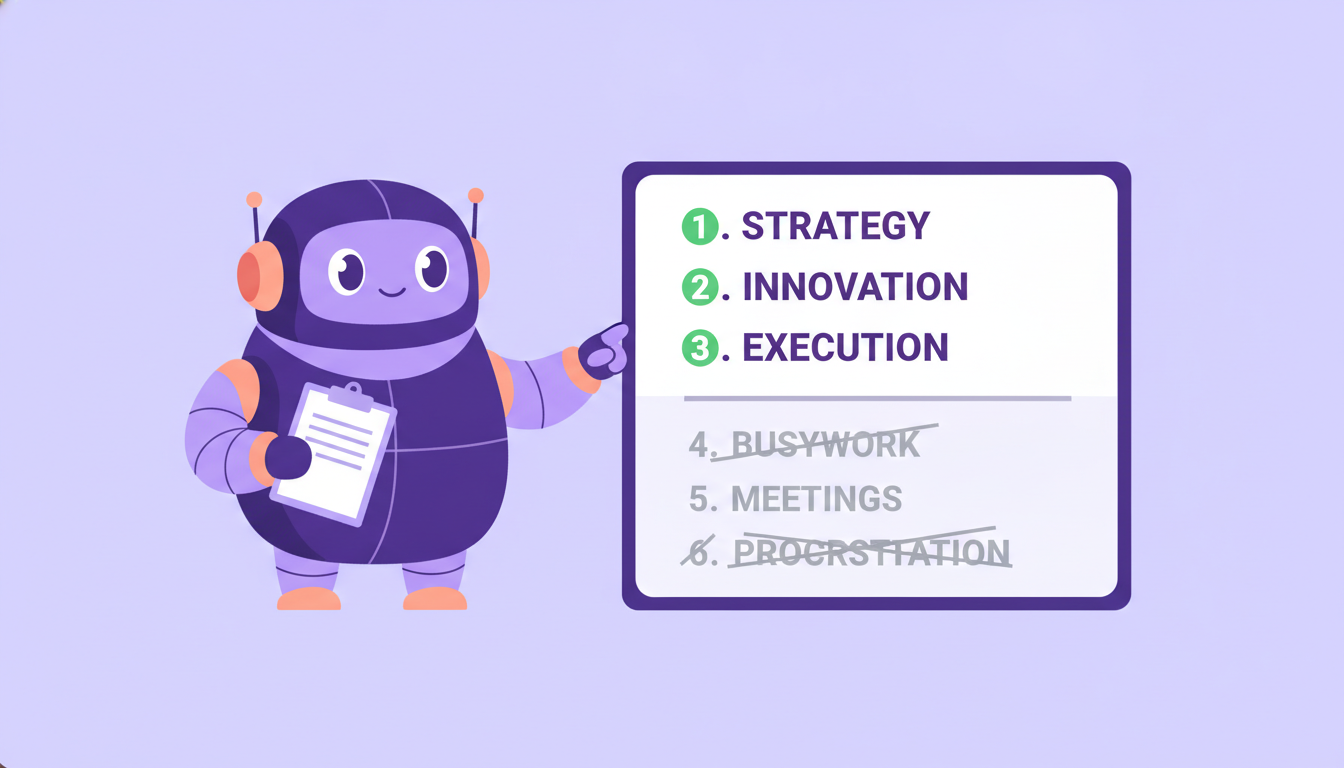
Most “Shopify SEO best practices” lists are 40 items long and leave you doing the easy, visible work while the things that actually move rankings sit broken. This one is ranked by impact — and tells you what to stop wasting time on.
Most “Shopify SEO best practices” lists are 40 things long, in no particular order, and leave you doing the easy, visible stuff while the things that actually matter sit broken.
Marco runs a homeware store. He’s done plenty of “SEO”: he picked a theme that promised it was SEO-friendly, he writes a blog post most weeks, he installed three apps. What he hasn’t done is check whether Google can even index his collection pages (it can’t — they’re set to no-index), whether his product titles have any keywords in them (they don’t), or whether his store takes six seconds to load on a phone (it does). He’s been polishing the paint while the engine won’t start.
This isn’t another everything-list. It’s the Shopify SEO best practices that actually move rankings in 2026, ordered by impact — high first — plus an honest section on the busywork you can stop doing today. Do the top three and you’ll be ahead of most stores in your niche.
Want to know which of these your store is missing? Plug In SEO scans your store and flags every gap against these best practices.
- Make sure Google can index your pages
- Give products & collections real titles + meta
- Replace duplicate supplier descriptions
- The meta keywords tag
- Chasing your Domain Rating score
- Keyword-stuffing & daily sitemap resubmits
The best practices that actually move rankings
The bottom line: these are ordered high to low impact — if you only have a weekend, the first three are where it’s won or lost.
1. Fix what’s blocking Google before anything else
You can write perfect titles all day, but if Google can’t crawl or index your pages, none of it counts. This is always step one: find the indexing and technical problems — no-indexed pages that should be indexed, broken links, redirect chains, duplicate URLs — and clear them. It’s unglamorous and it’s the highest-leverage thing on this list, because every other practice depends on it. (Our Shopify SEO checklist walks the fix-it order if you want a step-by-step.)
2. Give every product and collection a unique title and meta description
Two things get mixed up here, so let’s keep them separate. The product title is the name shown on the page itself. The meta title and meta description are different fields — they’re the headline and blurb that appear in Google’s search results. They’re not the same thing, and both matter.
On most Shopify stores both are wasted: products with bare part-number names, and meta titles left as just the product or collection name with no keywords. Fix both. Make the on-page product title read the way a customer would search, and write a unique, keyword-led meta title plus a click-worthy meta description for every important page. This is the single best effort-to-reward task in Shopify SEO.
3. Replace duplicate supplier descriptions with your own
If your product descriptions are the manufacturer’s copy, they’re live on hundreds of other stores and Google has no reason to rank yours. Rewrite them in your own words — even a few original sentences per product beats the factory paragraph. (Full breakdown in Shopify product page SEO.)
4. Make your store fast
Speed is a ranking factor and a conversion factor at the same time, and Shopify stores are often heavy with apps and oversized images.
— Google / SOASTA mobile page speed research
Compress your images, drop the apps you don’t use, and check your Core Web Vitals. If speed is your weak spot, Plug In Speed is built for exactly this on Shopify.
5. Use a clean heading structure — one H1, keyworded H2s
Every page should have a single H1 that names what the page is about, and H2s that use the words people search rather than “Featured” or “More.” Headings tell Google (and shoppers) how the page is organized. Many Shopify themes get this wrong out of the box — a homepage with no H1, or three H1s on one page — so it’s worth checking.
6. Add Product and Organization schema
Schema is structured data that tells search engines what your pages are — a product with a price and reviews, a business with a logo and social profiles. It’s what earns the star ratings, prices, and rich snippets that make your result far more clickable. We cover the store-level side in Shopify homepage SEO.
One caution: more schema isn’t better. A common mistake is stacking several apps that each inject their own Product schema, which leaves you with duplicate or conflicting markup that Google flags as an error. Use one source for your schema rather than piling on five.
7. Link your collections to your products (and back)
Internal links pass authority around your store and help Google understand structure. Your collection pages are the natural hubs — make sure each product sits in the right collections and is linked from them. It’s free authority most stores leave on the table.
8. Make your pages citable by AI search
In 2026, “ranking” isn’t only Google. When someone asks ChatGPT or Perplexity for “the best [your product],” those engines read pages and quote the ones they can clearly understand. The same things that help here are unique copy, clear direct answers, FAQs, and proper schema — so an AI can lift a clean answer straight off your page. (More in how to get your store recommended by ChatGPT.)
9. Publish content around real keywords — not random blogging
A blog helps SEO when each post targets a keyword people actually search and answers it properly. It does nothing when it’s a diary. Research what your customers ask, write the post that answers it, and link it to the relevant product and collection pages.
10. Name your images and write alt text
IMG_4471.jpg tells Google nothing. Give product images descriptive file names and alt text that says what’s in the shot. It’s a small, low-effort signal that helps image search and accessibility — do it as you go, not as a panic later.
Best practices that are actually a waste of time
The bottom line: some “SEO advice” is years out of date — here’s what to stop doing so you can spend the time on the list above.
- The meta keywords tag. Google has ignored it since 2009. Filling it in does nothing.
- Chasing your Domain Rating score. DR is a third-party metric, not something Google uses. It’s a useful gauge, not a goal — don’t optimize for the number.
- Keyword-stuffing titles and descriptions. Cramming “shoes shoes cheap shoes buy shoes” reads as spam to both Google and shoppers. Write for the human; the keyword once, naturally, is enough.
- Resubmitting your sitemap to Google every day. Submit it once. Google recrawls on its own schedule; nagging it changes nothing.
- Buying links. Cheap link packages are the fastest way to a penalty. One genuine mention from a relevant site beats a hundred bought ones.
Where Plug In SEO fits (honestly)
The bottom line: an app can do most of this list with you and flag the rest — here’s the honest split.
Plenty of these practices you can do by hand. Where a tool earns its place is finding everything that’s wrong in one scan, and doing the repetitive fixes for you.
Plug In SEO scans your store and flags the issues above — indexing problems, missing or duplicate titles and meta, missing schema, weak headings, bad image names, broken links — each with a step-by-step fix guide. It does the title and meta work for you, including AI-rewriting a page’s title and description around keywords you choose (you approve or reject), sets meta in bulk, adds your Product and Organization schema automatically, and fixes broken links with one click.
Here’s the honest boundary: a few things stay manual or belong to another tool. Heading changes and renaming image files happen in your Shopify editor. Bulk AI rewriting across hundreds of products is Plug In AI. And site speed is its own discipline — that’s Plug In Speed. Anyone selling you a one-click “all your SEO, fixed” button is overselling. The real version: the app is the checklist that tells you exactly what’s wrong, and does the bulk of the fixing with you.
Start with the three that matter most
The bottom line: you don’t have to do all ten this week — do the first three and you’re ahead of most of your competitors.
Best-practice lists get ignored because they’re overwhelming. So don’t boil the ocean. Make sure Google can index your pages, give your products and collections real titles and meta, and replace the duplicate supplier copy. That’s the 80/20 of Shopify SEO — the rest compounds from there.
Marco doesn’t need to rebuild his store. He needs to un-no-index his collections, write real titles, and rewrite a dozen product descriptions. A weekend of the right work beats a year of the wrong kind.
FAQ: Shopify SEO best practices
What are the most important Shopify SEO best practices?
In order of impact: make sure Google can index your pages, give every product and collection a unique keyword-led title and meta description, and replace duplicate supplier descriptions with original copy. Speed, schema, internal linking, and content come next. If you only do three things, do those first three.
Does Shopify need an SEO app?
You can do Shopify SEO by hand, but an app saves time by scanning the whole store for issues at once and doing the repetitive fixes — titles, meta, schema, broken links — for you. It’s the difference between guessing what’s wrong and having a checklist that tells you.
How long does Shopify SEO take to work?
Expect around 3 months to see movement once issues are fixed consistently, and closer to 6 months for real organic growth. SEO is a long game — the stores that win are the ones that keep at it.
Does site speed affect Shopify SEO?
Yes. Page speed is both a Google ranking signal and a conversion factor — slow pages rank worse and convert worse. Compress images, remove unused apps, and check your Core Web Vitals; a dedicated tool like Plug In Speed handles this on Shopify.
What’s the difference between this and a Shopify SEO checklist?
This list is best practices ranked by impact — what matters most and what to ignore. A Shopify SEO checklist is the step-by-step task order for actually doing the work. Use this to understand priorities; use the checklist to execute.
Do the work that actually moves rankings
Shopify SEO in 2026 isn’t 40 tasks — it’s a handful of high-impact practices done properly, and the discipline to ignore the busywork. Index, titles, descriptions, speed, schema, links, and citable content: that’s the list that matters. If you’d rather see exactly which of these your store is missing before you start, Plug In SEO scans your store, flags every issue against these best practices with a fix guide, and does the title, meta, and schema work with you.