
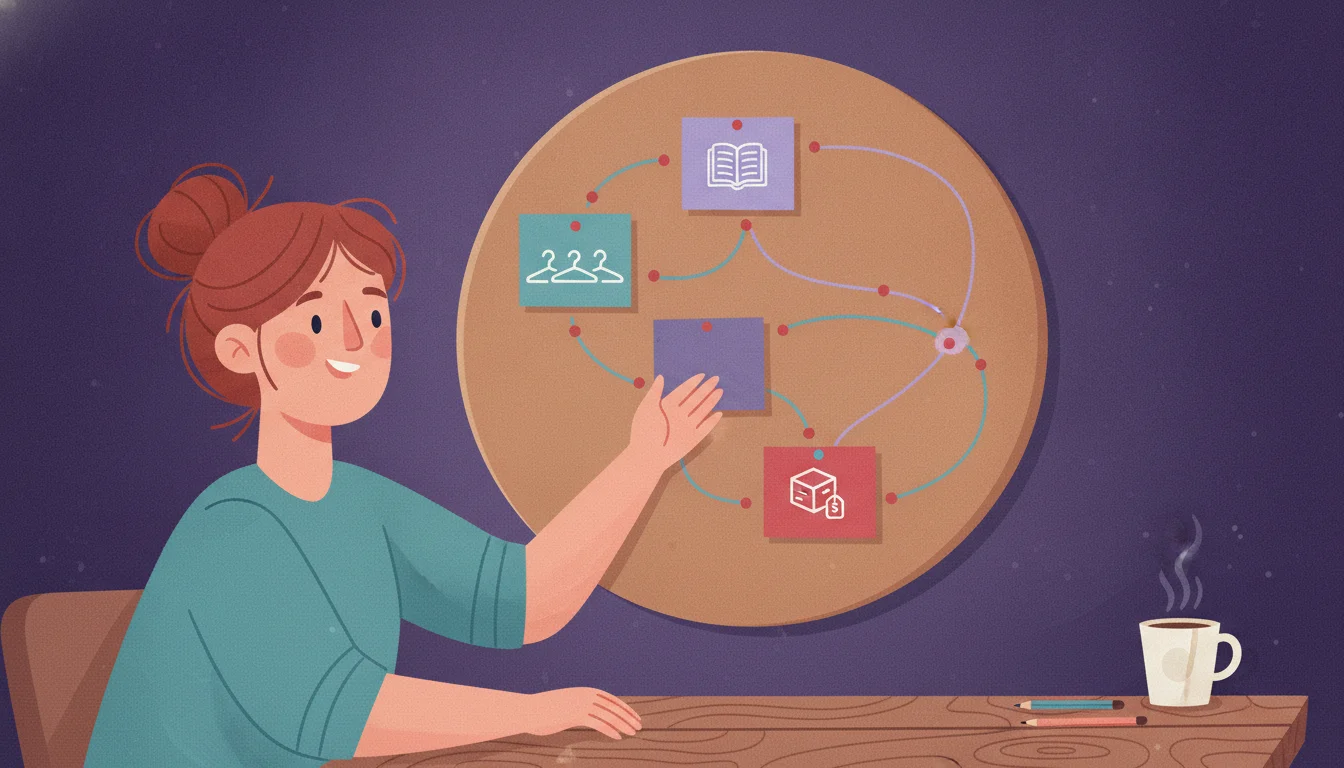
Internal linking on most Shopify stores means a stray “you may also like” block and whatever link happened to make sense eight months ago. That’s not a strategy. It’s clutter that happens to contain links. A real Shopify internal linking strategy is different. It groups your blog, collection, and product pages into deliberate clusters, so search engines and shoppers can move from a question straight down to a purchase.
You’ve heard “internal linking matters for SEO” plenty of times. Rarely does anyone explain what to actually build. So most stores end up with the same pattern. A handful of blog posts link to each other because they were written close together. Collection pages sit connected only through the main nav. Product pages link nowhere except back to their own collection, if that. Nothing’s technically broken. There just isn’t a structure — only accidents that happen to be links.
Plug In SEO doesn’t build your internal links. That part’s a deliberate, manual job — the framework below is how to do it. What it does do is different: it catches a link the moment it breaks after you restructure something, and adds BreadcrumbList schema automatically so search engines see the hierarchy your links describe.
A topic cluster is not the same thing as “adding some links”
The bottom line: a topic cluster is a deliberate hierarchy. One page anchors a topic; several other pages support it. The links between them run in both directions, on purpose. Ad-hoc cross-linking is just links that happened to get added somewhere.
Google’s own guidance on crawlable links sets a bare minimum. “Every page you care about should have a link from at least one other page on your site,” it says. That’s the floor, not the strategy.
The same guidance goes further on anchor text. Good anchor text is “descriptive, reasonably concise, and relevant to the page that it’s on and to the page it links to”. That rules out “click here” or a bare “read more”. Read the anchor text alone, out of context. It should still make sense.
What Google doesn’t give you is a number. “There’s no magical ideal number of links a given page should contain”, the same doc says. It adds one honest test instead. “If you think it’s too much, then it probably is”.
A topic cluster fills that gap with a shape, not a count. One page (usually a blog post) covers a topic broadly. Several other pages cover pieces of it narrowly — a buying guide, a comparison, a how-to. Every piece links up to the broad page and across to its close siblings. The broad page links back down to the pieces that answer the question in more depth. That’s the whole mechanism. Random cross-linking has none of that shape. It’s just links added because two pages happened to be open in adjacent tabs.
The three layers Shopify already hands you
The bottom line: Shopify’s fixed content types — blog posts, collections, products — already map onto a pillar-cluster structure. You don’t need a plugin to invent the hierarchy. You need to link the three layers on purpose instead of by accident.
Shopify locks in three separate URL prefixes: /blogs/, /collections/, /products/. You can’t change that structure (our URL structure guide covers exactly what’s fixed vs. what you can edit). That fixed split is actually useful here. It already sorts your content by search intent.
| Layer | Typical intent | Links out to | Anchor text example |
|---|---|---|---|
| Blog post. | Informational — top of funnel, research phase. | The collection(s) it’s really about, and 1–2 specific products used as examples. | Use “our waterproof hiking boots”, not “shop now”. |
| Collection page. | Commercial — comparing options within a category. | A buying-guide blog post for shoppers who need more context, plus its best-selling products. | Use “read our sizing guide”, not “learn more”. |
| Product page. | Transactional — close to a purchase decision. | Back up to its collection, and sideways to a relevant how-to or care-guide post. | Use “see the full [category] range”, not a bare collection name repeated on every page. |
That’s a pillar-cluster model with Shopify’s own content types slotted in. Blog posts act as the broad, informational pillar. Collection pages are the commercial hub in the middle. Product pages are the specific, transactional leaves at the bottom. The links should flow in both directions. They go down from the pillar into the products it recommends, and up from a product into the collection and guide that give it context.
Building the cluster, layer by layer
The bottom line: don’t try to link everything to everything. Link each layer to its immediate neighbors. Use a handful of contextual links per page, not a wall of them.
HubSpot’s own account of moving their blog onto a pillar-cluster model is a useful reference here. It’s a content site rather than a store, but the mechanism translates. They didn’t just add more links everywhere. They audited existing posts into topic groups, removed old scattered cross-links, then relinked deliberately within each cluster.
Their rough target was about one contextual hyperlink per 150 words. That keeps authority concentrated inside the cluster instead of leaking out to unrelated posts. Ahrefs’ internal linking guide lands on a similar number for a single article. Its starting point: “3–5 contextual links per article,” on top of standard navigation. Google’s John Mueller calls internal linking “super critical for SEO”. He recommends a “top-down approach or pyramid structure” instead. Important pages stay closer to the top, reachable in a few clicks.
Ahrefs, “Internal Links for SEO: An Actionable Guide”.
Three habits that keep it running
In practice, on a Shopify store, that breaks into three habits:
- New blog posts link to the 1–3 collections they’re actually about. Use the collection name as anchor text, not a generic “shop here”.
- Collection pages link out to the guide that helps shoppers choose — a buying guide, size guide, or comparison — and feature their best 3–6 products with real product-name anchors.
- Product pages link back to their parent collection and, where it helps, to one relevant guide — not five unrelated posts stuffed into a “related articles” widget nobody asked for.
Shopify’s native “related products” block is a separate mechanism. It’s algorithmic, generated by your theme rather than hand-written, so it doesn’t replace the deliberate links described here. Our breadcrumbs guide covers the other structural layer: theme-level navigation and BreadcrumbList schema. It shows the hierarchy, but it doesn’t substitute for contextual links inside your content.
Orphan pages: the failure mode that actually costs you rankings
The bottom line: the real risk isn’t too few links on a page you know about. It’s a page nothing links to at all — the exact failure a cluster structure is built to prevent.
Ahrefs defines an orphan page simply. “A page that search engines may have difficulty discovering because it has no internal links from elsewhere on your website”. On Shopify, this happens more easily than it sounds. A blog post gets published and never linked from the collection it was written for. Or a nav redesign quietly drops the one link that used to point at an otherwise fine collection page. Sometimes a seasonal landing page gets built for a campaign, then stops being linked from anywhere once the campaign ends.
The page is still live. It’s still in your sitemap (our sitemap guide covers what’s included there automatically). It just isn’t reachable by a click from anywhere else on the store. That makes it far harder for both shoppers and Google to find.
Plug In SEO doesn’t crawl your site for orphan pages. That’s not part of what it does, and it’s worth being upfront about it. The honest way to check is Search Console’s Links report, once you’ve done the setup in our GSC setup guide. Sort your pages by fewest internal links pointing at them. Anything sitting at or near zero is a candidate. Sometimes a page you find there is genuinely thin or no longer needed, not just poorly linked — our content pruning framework covers what to do with it instead: merge it, noindex it, or let it go.
A Shopify internal linking audit you can run in one sitting
The bottom line: you don’t need a crawler to start. You need your 10 most important collection pages and 20 minutes. This is the fastest way to check whether your Shopify internal linking strategy is deliberate or accidental.
Step 1: map your top collections
- List your 5–10 highest-priority collections — the categories that matter most to revenue.
- For each one, check whether a blog post exists that would genuinely help a shopper choose within it. If not, that’s a content gap, not a linking gap. Note it for later.
- If the post exists, confirm the collection links to it, and the post links back. Add whichever direction is missing, with a specific, descriptive anchor, not “click here”.
Step 2: check Search Console
- Open each collection’s top 3–6 products. Confirm each links back to the collection by name, and to one relevant guide where it helps.
- In Search Console’s Links report, sort by fewest internal links. Scan the bottom of the list for anything that should be part of a cluster but currently sits alone.
- Re-run this pass whenever you publish a new collection or a batch of posts. New pages are exactly how orphans get created in the first place.
- Blog posts link to each other because they were written around the same time, not because they cover related topics.
- Collection pages reachable only through the main nav — nothing else on the store points to them.
- Product pages link nowhere except their own collection breadcrumb, if that.
- New pages published with zero deliberate incoming links — orphans from day one.
- Every blog post links to the collection(s) it’s actually about, with descriptive anchor text.
- Collection pages link out to the guide that helps shoppers choose, and in to their best products.
- Product pages link back up to their collection and sideways to one relevant guide.
- New pages get their first links the day they’re published, as part of the checklist — not months later, if ever.
Frequently asked questions
What is a topic cluster in Shopify SEO?
A topic cluster is a deliberate group of pages built around one subject, linked to each other on purpose. On Shopify, that usually means a blog post acting as the broad, informational anchor, linking down to the collection page it’s really about and to a few specific products, with those pages linking back up. It’s the opposite of ad-hoc cross-linking, where links get added because two pages happened to be related, not because the structure was planned.
How many internal links should a Shopify page have?
There’s no fixed number. Google’s own guidance says as much directly. Ahrefs’ practical starting point is 3–5 contextual links per article, on top of standard navigation. The goal is relevance, not volume: a page with fewer, deliberate links passes more weight through each one than a page with dozens of links to everything in sight.
Should blog posts link to product pages, or just collection pages?
Mostly to collection pages, plus one or two specific products used as concrete examples within the post. Linking a blog post to every product it mentions turns the post into a product list instead of a guide. The collection page should carry the weight of showing the full range. The blog post’s job is to help a shopper decide which collection, and maybe which product, fits what they need.
What is an orphan page, and does Plug In SEO find them?
An orphan page is a live page that no other page on your site links to, which makes it much harder for both shoppers and search engines to find. Plug In SEO doesn’t crawl for orphan pages — that’s not one of its features. Search Console’s Links report is the honest way to find them: sort your pages by fewest internal links pointing at them, and check anything near zero.
Does Shopify’s “related products” block count as internal linking?
It’s a related but separate mechanism. Shopify’s related-products recommendations are generated algorithmically by your theme, not written by you, and they don’t carry the deliberate, descriptive anchor text that makes a contextual link useful for SEO. They’re worth having for shoppers, but they don’t replace the hand-linked structure described in this guide.
How is this different from your breadcrumbs and sitemap guides?
Breadcrumbs and your sitemap are both structural: theme navigation and BreadcrumbList schema on one side, an automatically generated list of URLs on the other. Neither one tells Google that a specific blog post and a specific collection are related; that only happens through a contextual link inside the content itself. This guide covers building those deliberate, content-level links, which breadcrumbs and sitemaps don’t do on their own.
Once your link structure is live, don’t let it quietly break.
Restructure a collection or rename a product handle later, and any link pointing at the old URL breaks with it. Plug In SEO’s broken-link report catches that the moment it happens, and fixes it with one click — paste the new URL, and it builds the redirect for you.