
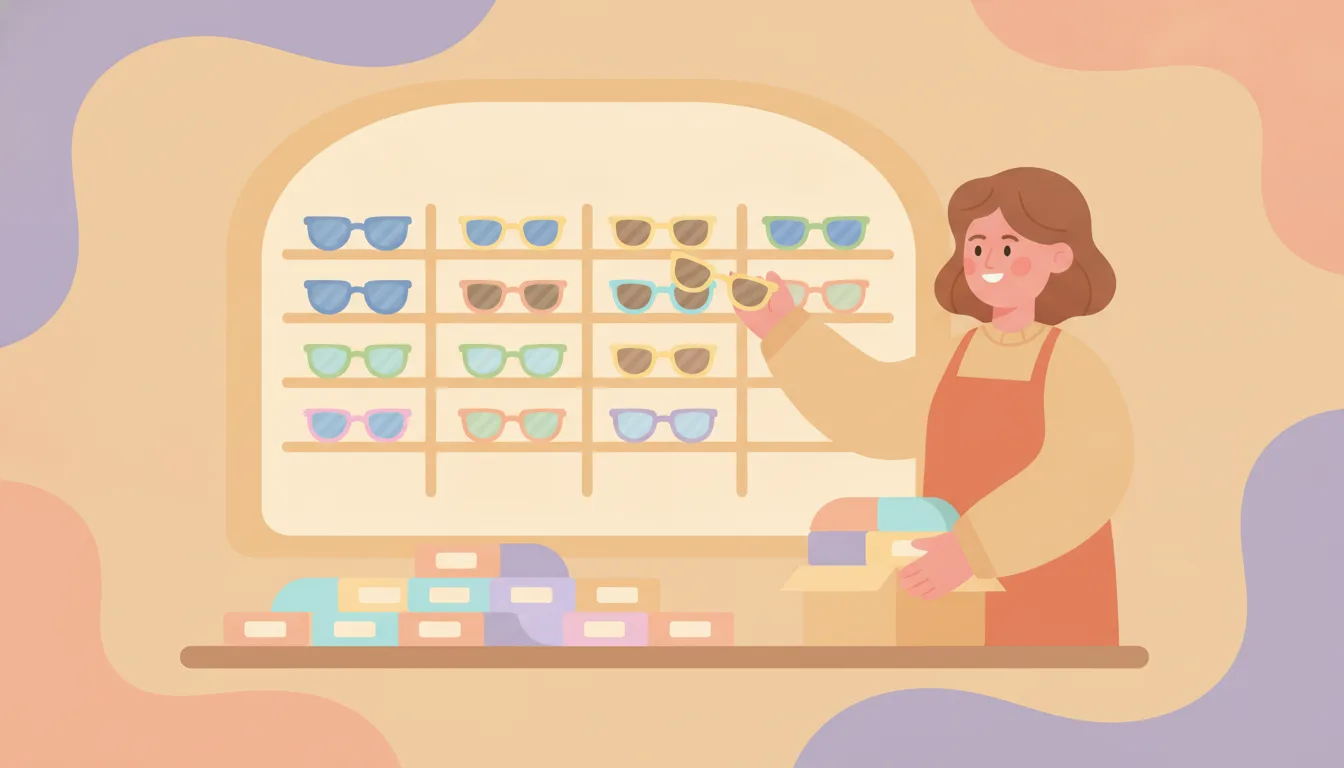
You’ve got a frame in eight colors, three lens tints, and two coatings. Somewhere along the way, someone turned each combination into its own product listing instead of a variant. Now you’ve got 48 near-identical pages, and none of them rank. That’s the trap behind shopify seo for eyewear: more listings feels like more coverage. It’s the opposite. Forty-eight thin pages don’t multiply your ranking power. They split it into pieces too small for Google to care about any single one.
Want to find which of your eyewear listings are really duplicates before you start merging? Plug In SEO’s on-page audit flags thin and duplicate-feeling meta titles across your catalogue.
Why eyewear merchants split one frame into ten listings
The bottom line: splitting isn’t careless. It’s a real attempt to answer a specific search, and it backfires into near-duplicate pages.
Someone searching “polarized aviator sunglasses” wants that exact combination — not a generic frame page with a dropdown. A separate listing per lens option feels like it answers that search directly. So a frame in eight colors, three tints and two coatings becomes dozens of listings. They share nearly all their copy and differ only in a color word.
Prescription and lens-customization apps reinforce the habit. Some build lens groups, options and coatings as their own structures layered on top of the frame product. That’s worth checking in your own app settings, since it varies by app. So the split often isn’t even a deliberate strategy. It’s a side effect of how a lens-builder tool organizes its own data.
What Shopify actually does with variants
The bottom line: native Shopify variants already share one URL with an automatic canonical tag. Shopify itself never creates the duplicate pages.
Lens color, frame color and coating can be built as native Shopify variants, not separate products. When they are, every combination lives on one shared product URL. Shopify sets a canonical tag on every variant parameter, pointing it back to that one base page. It does not spin up a new indexable page per combination on its own.
That only happens when someone builds each combination as a separate product record instead of a variant. It could be a merchant, a theme customization, or an app. Check your own product list: does “Aviator Sunglasses – Polarized – Gold Coating” show up as its own product, or as a variant option inside “Aviator Sunglasses”? That answer tells you whether you have this problem at all.
Why the eyewear listing split hurts rankings
The bottom line: near-duplicate pages don’t get penalized. They just split your ranking signal so thin that none of them win.
Google picks one version to show for a given query and largely ignores the rest. Your dozens of listings end up competing against each other for the same search terms. None of them builds one page strong enough to rank. Reviews, backlinks and on-site engagement split the same way. A frame that could accumulate signal on one URL instead spreads it across a dozen pages. None of those pages builds enough weight to outrank a competitor’s single, consolidated listing.
Aviator – Gold – Polarized (1 of 48 near-identical products)
Same frame, same copy, one word changed per listing. Ranking signal, reviews and links spread across 48 thin pages instead of building on one.
Aviator Sunglasses — lens/coating selected as variants
One product, one URL, auto-canonicalized. All the signal that was scattered across 48 pages now builds on the single page that can actually rank.
The eyewear SEO fix: one page per frame
Move lens color, frame color and coating into Shopify’s native variant system on a single product. That gets you the auto-canonical behavior for free. No manual canonical tags to maintain, no risk of orphaning a listing mid-migration.
- Audit which “products” are really variants. List every frame and flag any listing that only differs by lens color, tint or coating from another listing. That’s your consolidation list.
- Merge into one product with variant options. Rebuild lens, coating and color as variant options on the strongest-performing listing. Pick the one with the most reviews or traffic, not a random one.
- 301 redirect the merged-away URLs to the surviving product page. Skip this step and you lose whatever ranking signal those listings had already built. A deleted page with no redirect just 404s.
A catalogue-wide audit tool speeds up step one. Flagging thin or duplicate-feeling meta titles across your listings is slow by hand and fast with the right tooling. More on that in the wrap-up below.
Don’t lose the findability you were trying to protect
Consolidating shouldn’t mean burying “polarized” or “blue light blocking” searches. Build a collection page organized by lens type or coating — Polarized Sunglasses, Blue Light Glasses, Transition Lenses. Link your consolidated frame pages into it. Our collection page SEO guide covers how to build one that ranks. A single well-optimized collection page can catch the lens-type search intent the separate listings were chasing. It does this without multiplying your product catalogue.
This is the same tradeoff every catalogue-heavy vertical runs into after a bulk update. Our catalog SEO checklist covers the redirect and reindexing steps that apply here too. Not sure whether your setup already creates duplicate URLs behind the scenes? Our canonical URL guide walks through how to check.
The market reason this is worth fixing now
The bottom line: eyewear search demand is real and growing. It only rewards pages strong enough to compete for it.
IBISWorld, Online Eyeglasses & Contact Lens Sales Market Size, 2026.
Research and Markets, Sunglasses Market Report, 2026.
That’s real, growing search demand. But it only rewards pages strong enough to rank — not pages split into pieces too thin to compete.
Frequently asked questions
Does Shopify create a separate URL for every lens or coating combination automatically?
No. Native Shopify variants share one product URL. An automatic canonical tag on every variant points back to the base page. Separate URLs only appear when someone builds each combination as its own product.
How do I know if my eyewear listings are variants or separate products?
Check whether “Aviator Sunglasses – Gold – Polarized” is its own product or a variant option under “Aviator Sunglasses” in Shopify admin. If it’s a separate product, it’s a candidate for consolidation.
Will merging listings hurt the ones that already rank?
Not if you redirect properly. 301 redirect every merged-away URL to the surviving product page. That way the existing signal transfers instead of disappearing into a 404.
Do lens-customization or prescription apps cause this?
Some build lens groups, options or coatings as their own structures behind the scenes. Check your specific app’s settings — the behavior varies, and it’s not always visible from the storefront alone.
Does consolidating mean I lose ranking for searches like “polarized aviators”?
No, if you build a lens-type or coating collection page alongside your consolidated product pages. The collection page can catch that search intent without multiplying your product count.
Is this specific to eyewear, or does it apply to other catalogues?
It applies anywhere a product has many near-identical variations — footwear sizes, apparel colors, hardware finishes. Eyewear tends to compound frame, lens and coating options into unusually high combination counts.
Fix the split before it costs you more rankings
Plug In SEO flags thin and duplicate-feeling meta titles across your catalogue. It lets you fix them in bulk once you’ve merged the listings. The manual audit is the hard part — the cleanup afterward doesn’t have to be.